
You may create different Roles (and corresponding rights and responsibilities) needed to meet your business needs.
Steps to create a new Role:
1. Click on the Hamburger Menu and select Roles

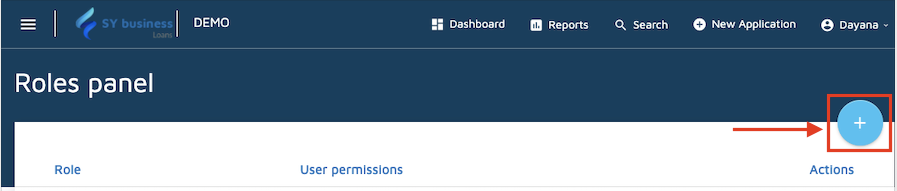
2. Click on the + symbol on the right side.
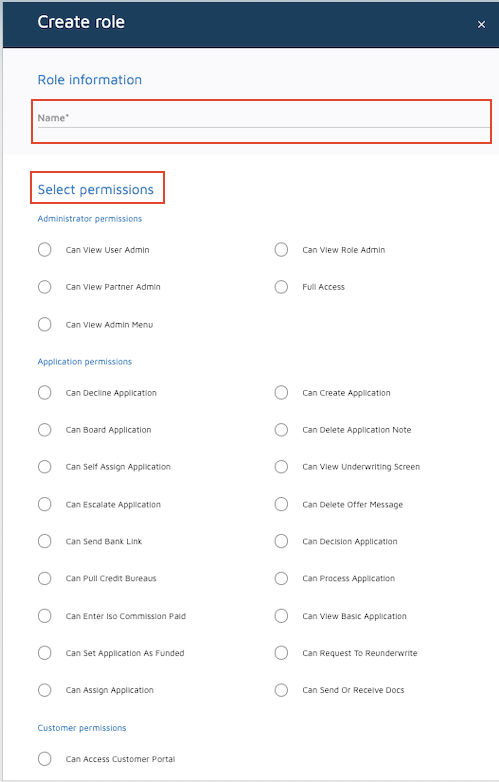
3. Type the NAME for the new role and select the permissions you wish to assign.
4. Click on Save.

Comments
0 comments
Please sign in to leave a comment.