
You can change your password at any time from the platform by clicking on your account Name on the top right corner, then click on Change Password.

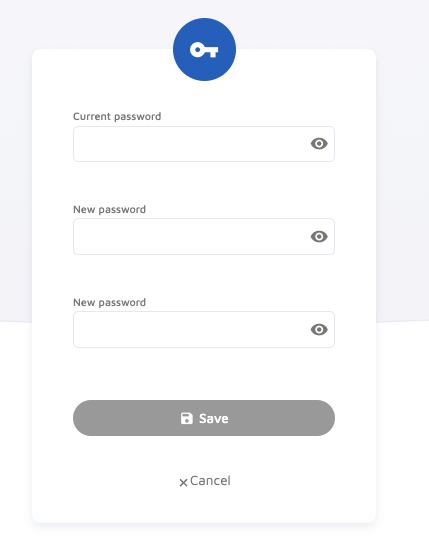
Then, complete these steps to change your password as desired:
- Enter your current password
- Enter your new password and its confirmation
- SAVE the changes.
Comments
0 comments
Please sign in to leave a comment.