
Documents can be uploaded when the application is being submitted or any time after.
Steps to upload documents:
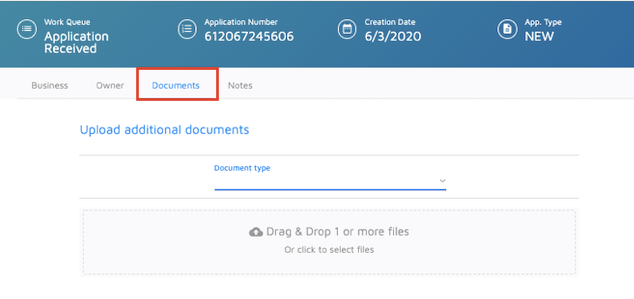
1. On the Upload Documents screen, click on the Document Type menu.
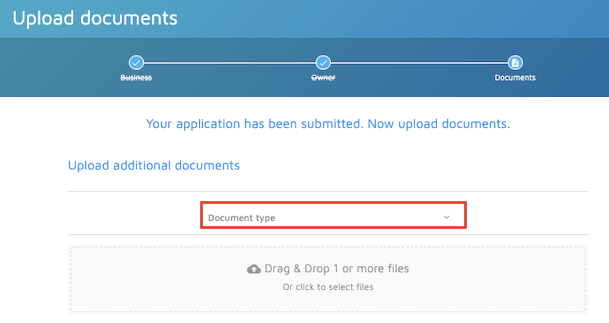
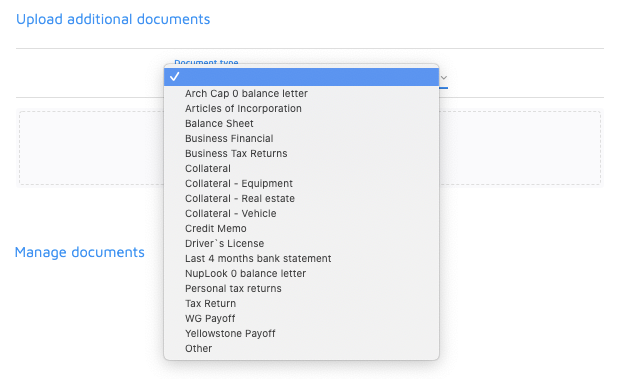
2. Select the document you wish to upload.
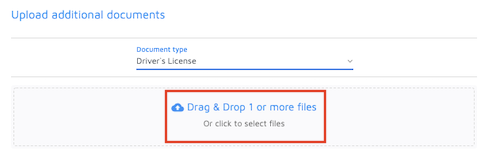
3. Drag the document or click the upload option to select the document from your files.
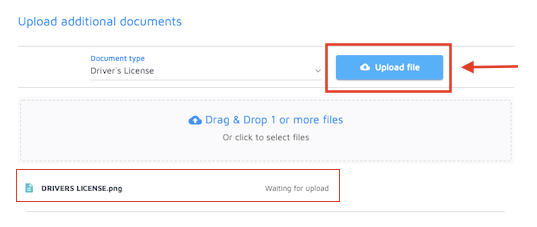
4. Once the file is selected, click on Upload File.
5. Finally, you can click on Complete Application.
If you need to upload documents after the application has been submitted, simply search for the application, then go to the Documents tab and follow the same process.
Comments
0 comments
Please sign in to leave a comment.