
You may give users access to Lending Portal following these instructions:
1. Click on the Hamburger Menu, then select Users

2. Click on Add User

3. Complete the required information (First Name, Last Name and Email) then, assign the Role and click on Create.
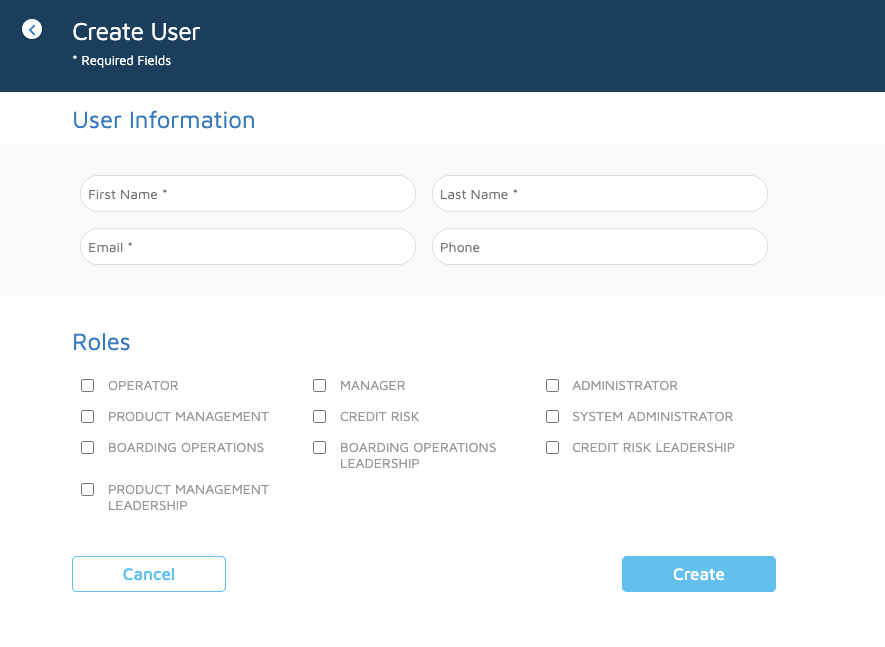
***Roles may vary depending on your configuration.
*** Not all users have access to the Hamburger menu, this access depends on the user's permissions (role).
Comments
0 comments
Please sign in to leave a comment.